loading
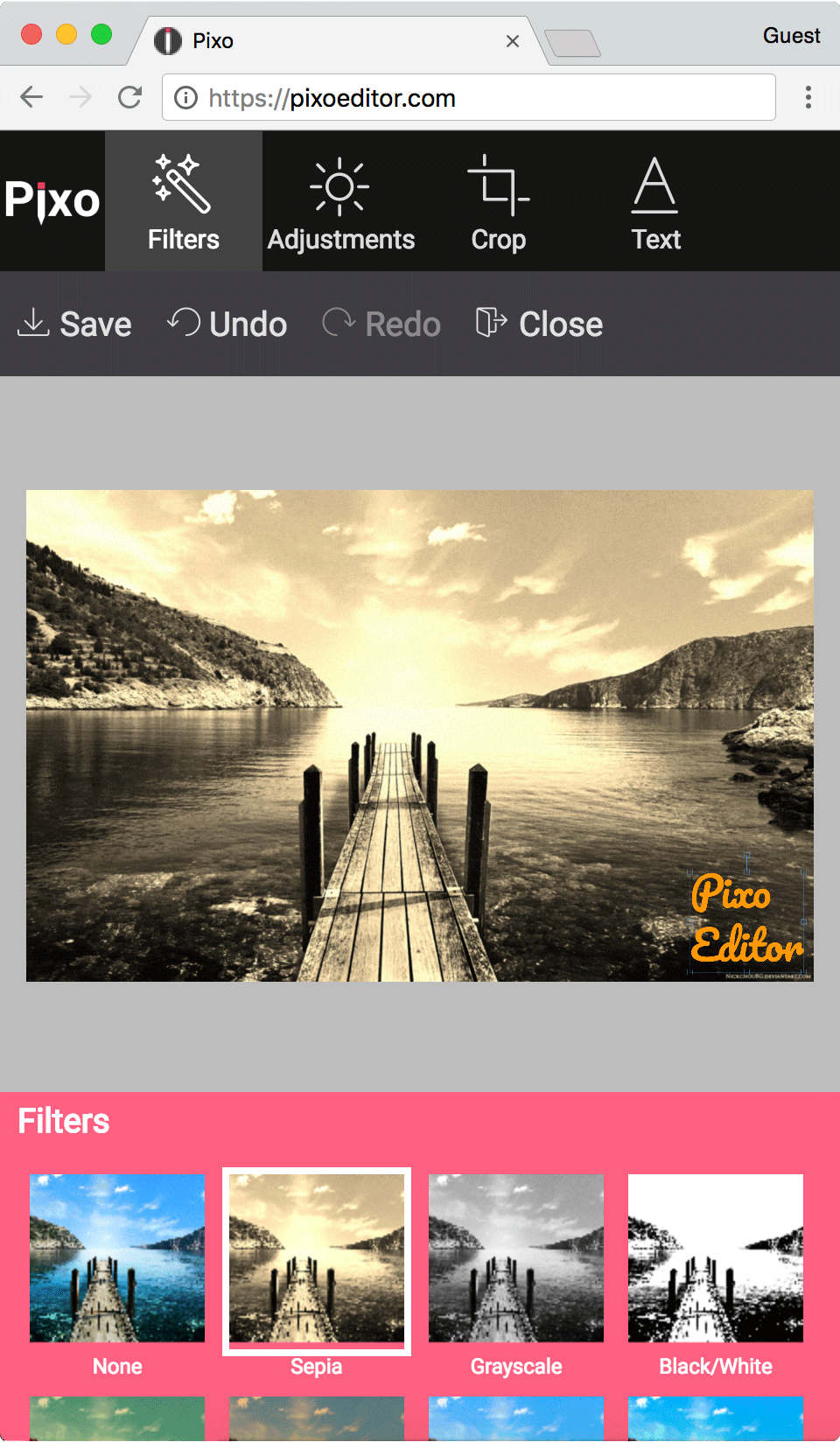
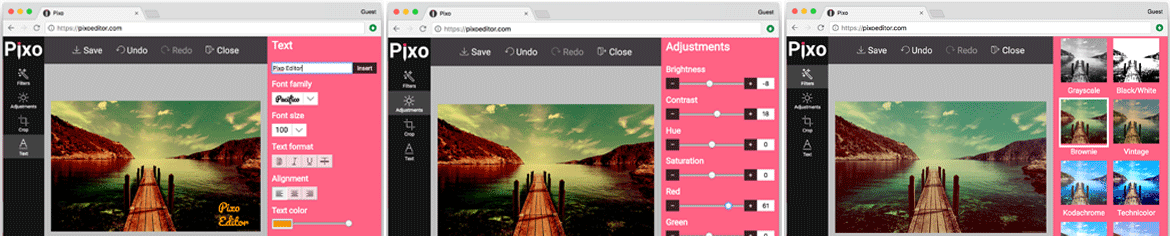
Pixo editor mobile screenshot, you have everything just like in Aviary editor

Built for Developers
and Product Teams

Easy Integration

Integrate Pixo into your web app using a lightweight JavaScript SDK. Works with ReactVue, Angular and vanilla JavaScript.

White-Label Customization

Customize the UI, tools, branding, workflows and editor behavior to match your product.

Templates & Preconfigured Workflows

Automatically preload text, stickers, frames and design elements when users open the editor.

Batch Editing

Let users apply edits from one image across entire image batches, dramatically reducing repetitive work.

REST API

Automate image processing workflows using a REST API that mirrors the capabilities of the web editor.

Mobile App Integration

Integrate Pixo into iOS, and Flutter apps using WebView-based workflows.

Why Teams Use Pixo Instead of Building Internally

There are several advantages which make Pixo stand in front of its competitors

Ship Faster

Add advanced image editing capabilities in days instead of spending months building and maintaining canvas-based tooling.

Reduce Engineering Complexity

Avoid browser compatibility issues, mobile optimizations and complex image processing logic.

Lower Maintenance Costs

Pixo is fully hosted and continuously updated, eliminating deployment and maintenance overhead.

Scale with Your Product

Use the same workflows across web apps, marketplaces, SaaS platforms and mobile applications.


Features

We constantly extend and improve our image editor and the API with the coolest features and functionality. Still, our base features include:

A common functionality of image editors is the ability to add text. Therefore, our Image Editor provides great choice of various handsome fonts.

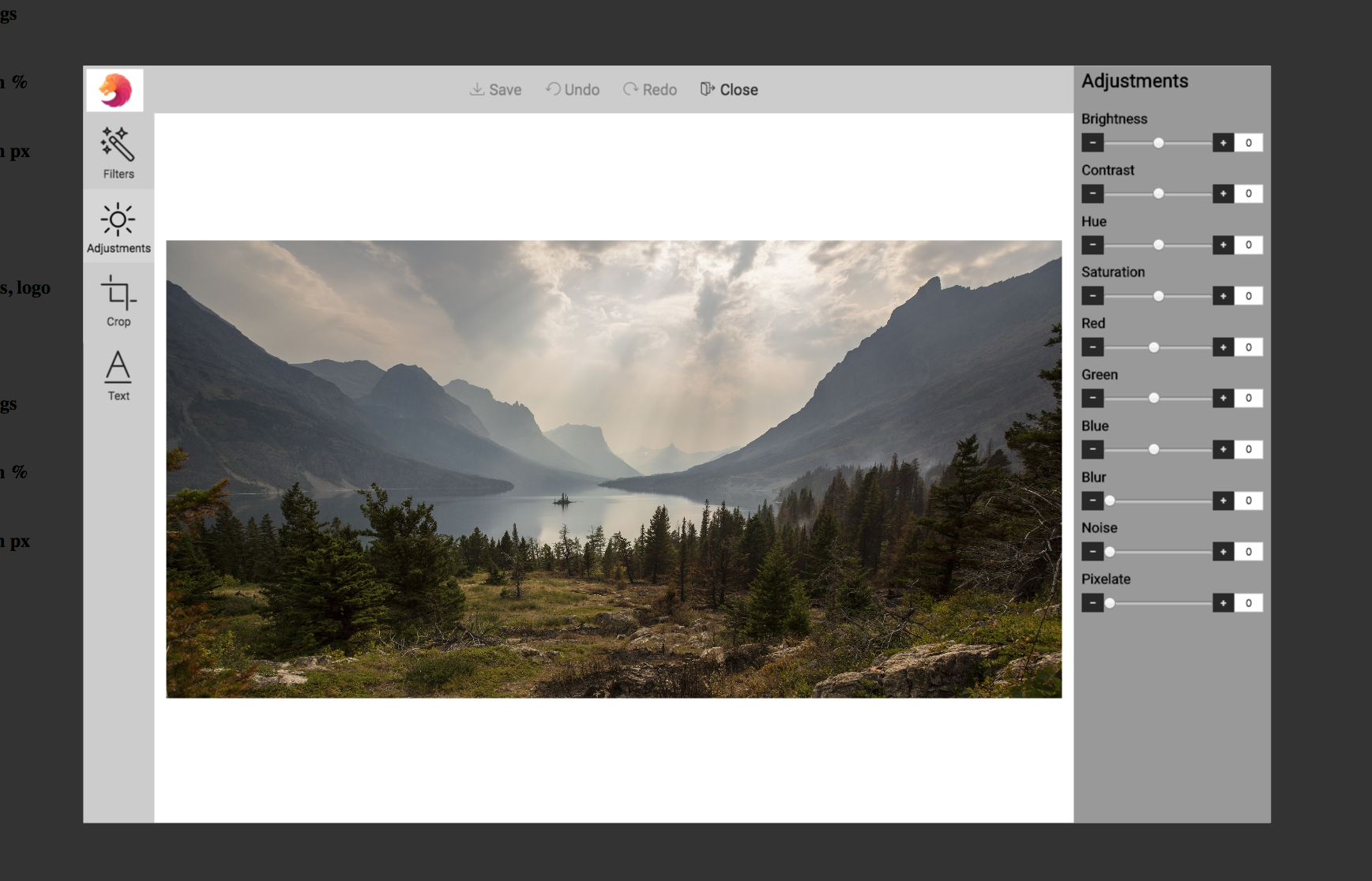
This is the most basic, yet powerful image editing feature. For instance, you can adjust multiple channels such as RGB, brightness, contrast, hue, saturation. Also there are many more tools with which you can get the desired look of your photos.

Image filters are the most used feature of every image editor. Therefore, we provide a great selection of Instagram-like image filters.

Features

Just like image filters, stickers are the next most popular feature of image editors. Therefore we provide a great variety of stickers collections. Moreover, you can use our image editing API and provide custom stickers to your users!

Is there an image editor which lacks such feature? No, because drawing is in the base of image editing. Use brush or spray, set width, shadow, and more.

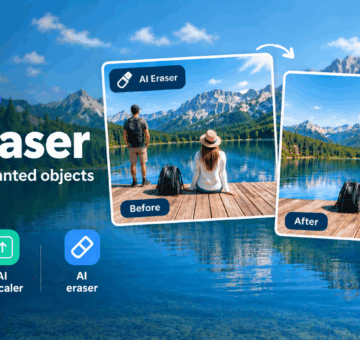
Removes or replaces the background of the image. Completely remove background, or replace it with solid color, or choose another background from a list of stock images.


The very base image editor functionality. Free crop or set a pre-defined crop size (e.g. Facebook cover), rotate & flip the image.

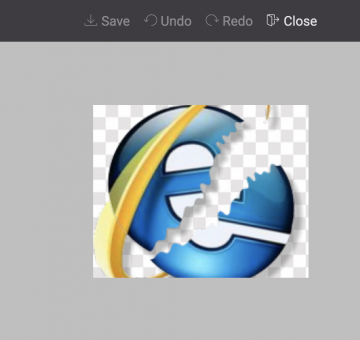
Applying a shape to an image acts more or less like a mask. The image becomes visible only within the shape fill; the rest of the image becomes transparent.

Applying frame to an image makes it look & feel more like a real photo!

WordPress

Pixo is available to WordPress too!

Try the Image Editor

Test Pixo with your favorite images and see it in action!

Documentation

Pixo Image Editor offers nice & easy to use image editing API

Integrating Pixo is as easy as:

<img id="myimage" src="myimage.png" />
<script src="https://pixoeditor.com/editor/scripts/bridge.m.js"></script>
<script>
   var image = document.getElementById('myimage');
   image.onload = function(){
      var editor = new Pixo.Bridge({apikey: 'abc123xyz000'});
      editor.edit(image);
   }
</script>

Click to see Documentation for full API

Pricing

• Our subscriptions include fixed maximum amount of edited images per month*
• We offer free 30-day full-featured trial period

FREE

$0

Per Month

  • 100 saved images/month
  • limited features
    • only basic image filters
    • seasonal stickers not included
    • blur feature not included
    • shape feature not included
    • custom stickers, frames and crop-sizes APIs not supported
    • images won’t be upscaled for better quality during enlarge
    • only basic visual themes are supported
    • custom colors/logo not supported
    • no feature sets
    • no image optimization (no compression)
    • limited undo/redo (up to 20 steps back in history)
    • saved image dimensions up to 2MP
SING UP

Small

$7

Per Month

  • premium image editing API support
  • full-featured image editor
  • 1000 saved images/month
  • $7/month for 12 months subscription billed once/year (total $84)
  • regular price $10/month (cancel anytime)
SING UP

Medium

$14

Per Month

  • premium image editing API support
  • full-featured image editor
  • 2500 saved images/month
  • $14/month for 12 months subscription billed once/year (total $168)
  • regular price $20/month (cancel anytime)
SING UP

Contact us

Contact Us

and get the best price

  • premium image editing API support
  • full-featured image editor
  • large quota of saved images/month (incl. unlimited)
  • Contact Us
SING UP

* Edited image, or exported/saved image, means when you, or the end user, opens an image in Pixo for editing, applies some changes, and clicks the “Save” button. Regarding the REST API, 1 “save” equals to 1 API call.

Latest blog posts

Follow our blog and get informed about our coolest latest features!

System Status

Observe Pixo Editor System Status at