Apologies for lying you in our previous post, the one for the AI Generated Images, that
Pixo now has a complete set of AI image editing features
One important piece was missing – the ability to expand image with AI.
Now that we have it, we’re proud to say that again:
Pixo now has a complete set of AI image editing features covering background manipulation, image upscaling, object removal, content generation, and expanding image
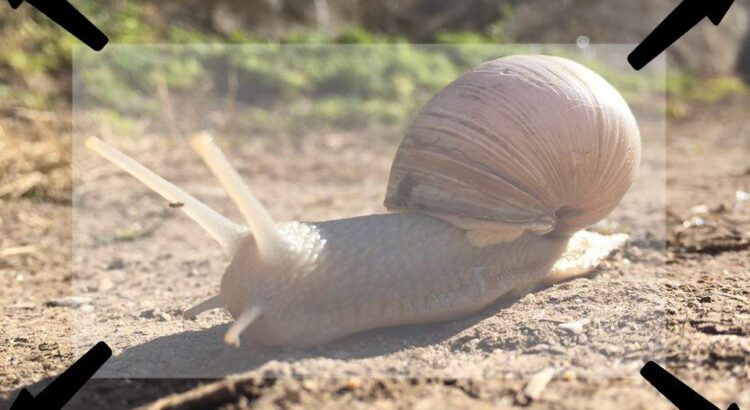
The existing Crop tool was extended and is now renamed to Crop/Expand. Expanding is just the opposite of cropping – but instead of cutting off a region of the image, it works in the opposite direction – outside of the image boundaries, “filling” the expanded regions with AI-predicted parts of the image.
See it in action:
Editing tools are now reordered by mostly used
You may have already noticed from the video that all editing tools are now reordered. This is based on Google Analytics – tools that are being mostly used by the end users are on the top.
What’s next?
We’ll be working on extending our existing REST API to mirror all recently released AI features (expand image, image generation, object remover).
Stay tuned!
