loading

Pixo Image Editor

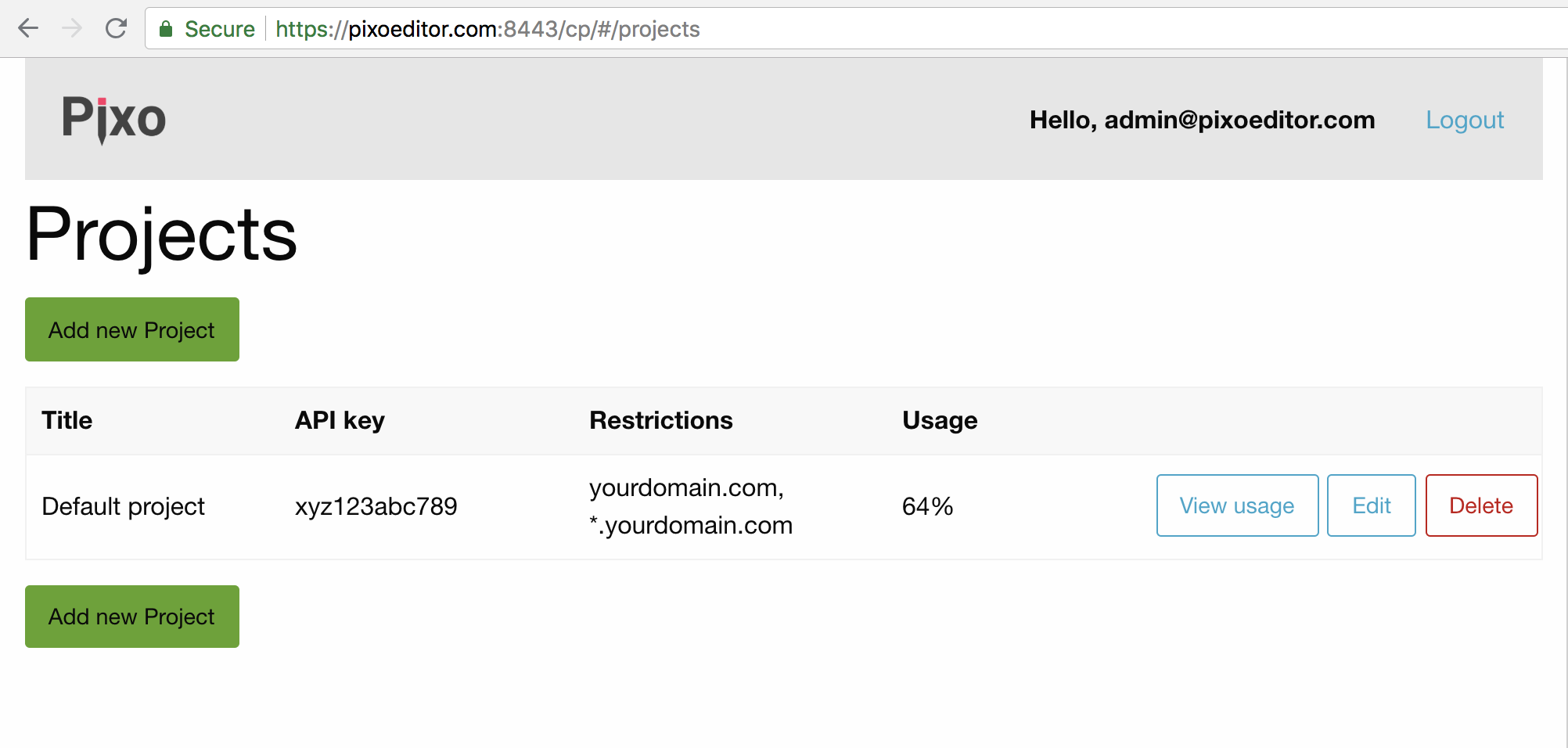
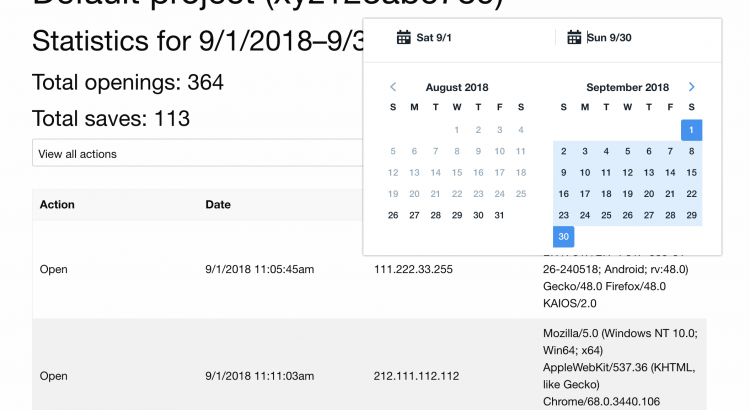
Screenshot of new Control Panel

Coming soon: projects management and usage statistics

Hi folks!

We are currently working on some useful features of Pixo’s Control Panel. You will be able to check usage statistics and even create more projects very soon. Starting Sep 1, our Control Panel will be extended with Projects view, where you will be able to:

  • view all existing projects
  • add/edit/delete projects
  • navigate to project usage statistics

Screenshot of new Control Panel

You will be able to see how much the project has been used for the current and past months. This will help you estimate how much it will cost you after Oct 31.
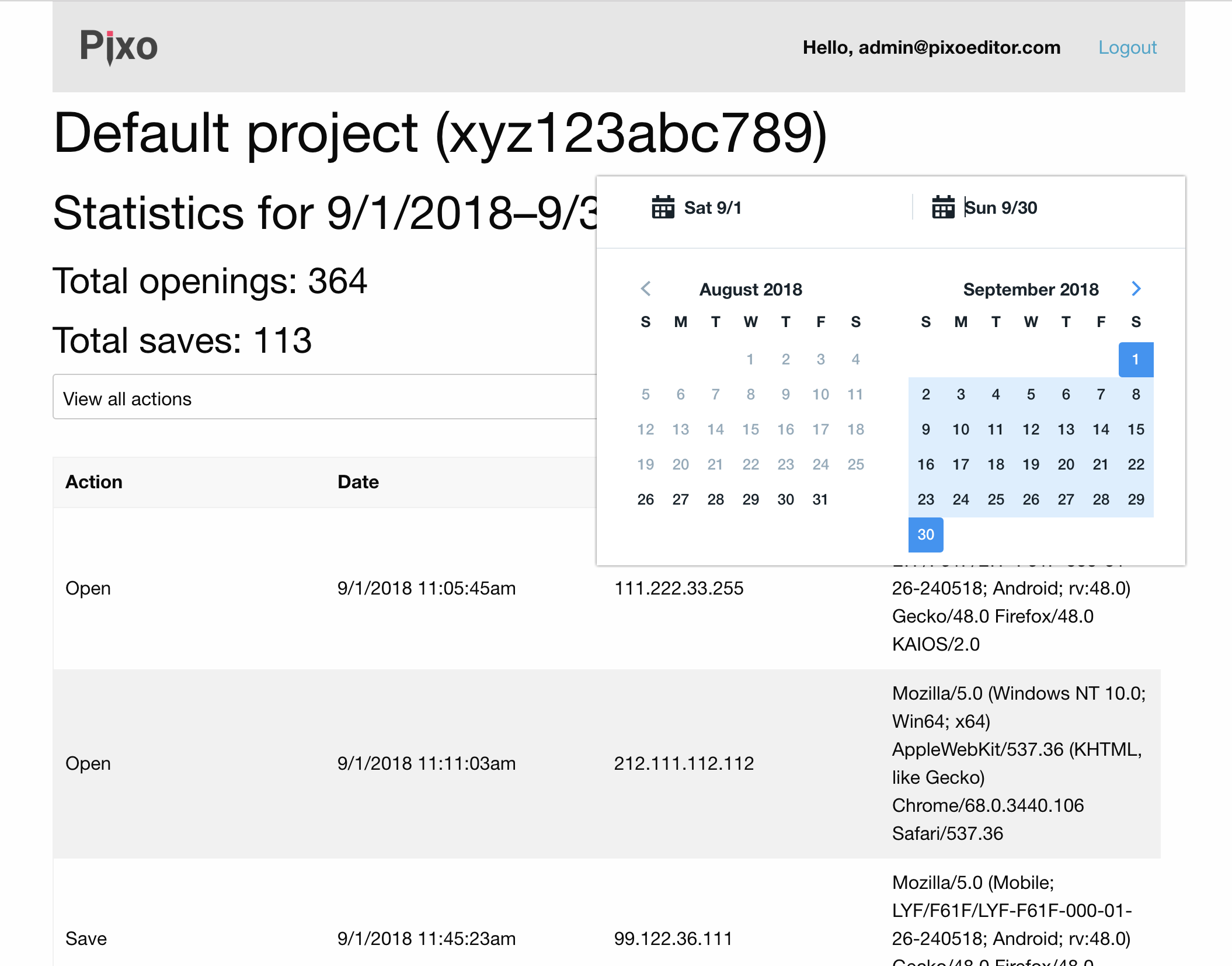
Screenshot of new Control Panel


Release date: Sep 1, 2018

Stay tuned!
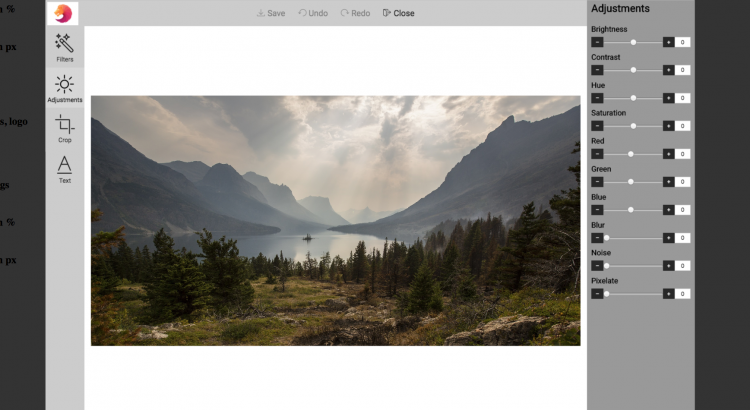
Customized editor screenshot

Customize the look & feel of your Pixo Editor instances!

Hi folks,

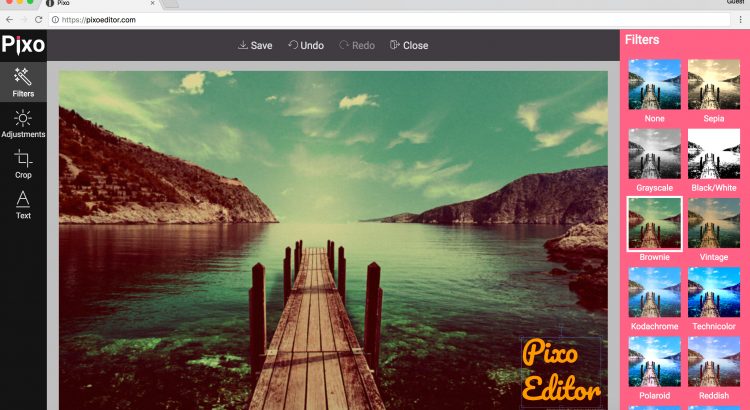
Did you know that you are able to fully customize the look of Pixo? You can do that with the style configuration property. Pixo offers white-label support, so you can also set your own logo instead of Pixo’s!

Here’s a quick example:

         new Pixo.Bridge({
            apikey: apikey,
            type: 'modal',
            width: '75%',
            height: '75%',
            overlay: {
               color: 'rgba( 0, 0, 0, .8 )',
            },
            styles: {
               logosrc: 'https://www.yoursite.com/images/logo.jpg',
               canvasbgcolor: 'white',
               editmenubgcolor: '#ccc',
               actionsmenubgcolor: '#ccc',
               propertiespanelbgcolor: '#999',
               textcolor: 'black',
            }
         })

Happy coding!

Confirmation email screenshot

Don’t forget to confirm your registration!

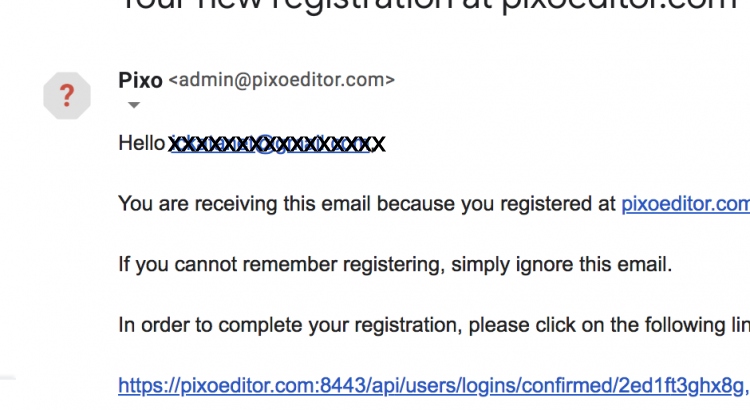
When you sign up for API key, a confirmation email will be sent to you.

Confirmation email screenshot


You have to confirm your email by clicking on the confirmation link. This will guarantee the proper integration of the editor in your web app.

In case you don’t get such confirmation email

  1. check your Spam folder
  2. login to Control Panel with your username and password and confirm re-sending the email

Happy coding!